
Download CCEnhancer – CCleaner, Windows, free, utility, cleanup, disk space, system tools, enhance, cleaner, optimization, file management
Overview
CCEnhancer is a free Windows utility designed to extend the cleaning capabilities of CCleaner by introducing additional detection rules tailored to user-specific needs. While CCleaner remains a widely used tool for system maintenance and disk cleanup, CCEnhancer enhances its functionality by enabling users to target a broader range of temporary, cache, and log files that are often overlooked. This makes it particularly valuable for users seeking to maximize disk space recovery and improve system performance through more thorough cleaning routines.
The app is aimed at both casual users and advanced PC enthusiasts who rely on CCleaner for regular system optimization. It serves as a complementary tool, not a replacement, allowing users to customize their cleaning experience with precision. By integrating extra rules, CCEnhancer helps eliminate residual data from applications, browsers, and system components, contributing to a cleaner and more efficient operating environment.
Although the developer did not provide detailed background information, the application has been available since its release on January 27, 2020, indicating a stable presence in the system utilities space. Its primary value lies in its ability to improve the effectiveness of an already popular tool, making it a practical addition for anyone using CCleaner regularly. The focus on enhancing rather than replacing existing software reflects a thoughtful approach to utility development.
Key Features & Functionality
- Enhanced Cleaning Rules: CCEnhancer adds custom detection rules to CCleaner, allowing users to identify and remove additional types of temporary and obsolete files. These rules target application-specific caches, logs, and residual data not covered by default CCleaner profiles.
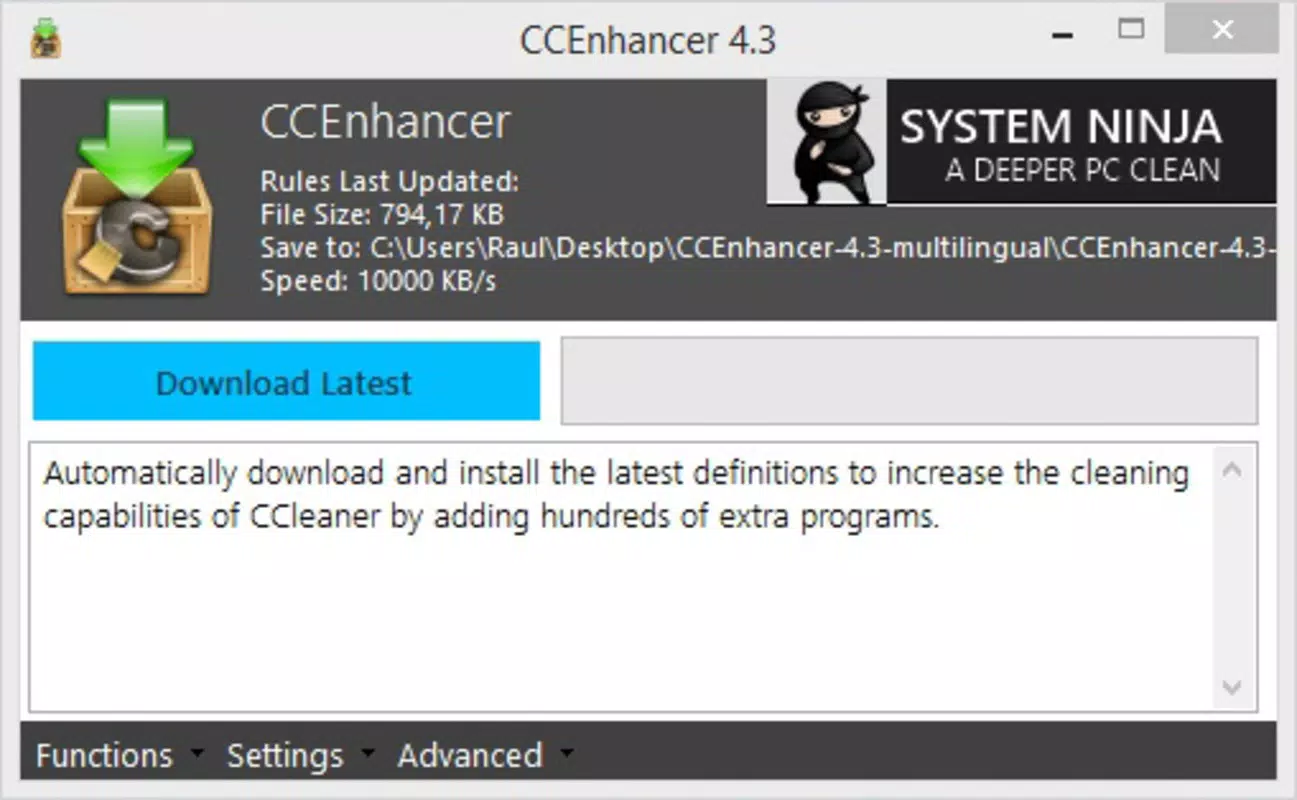
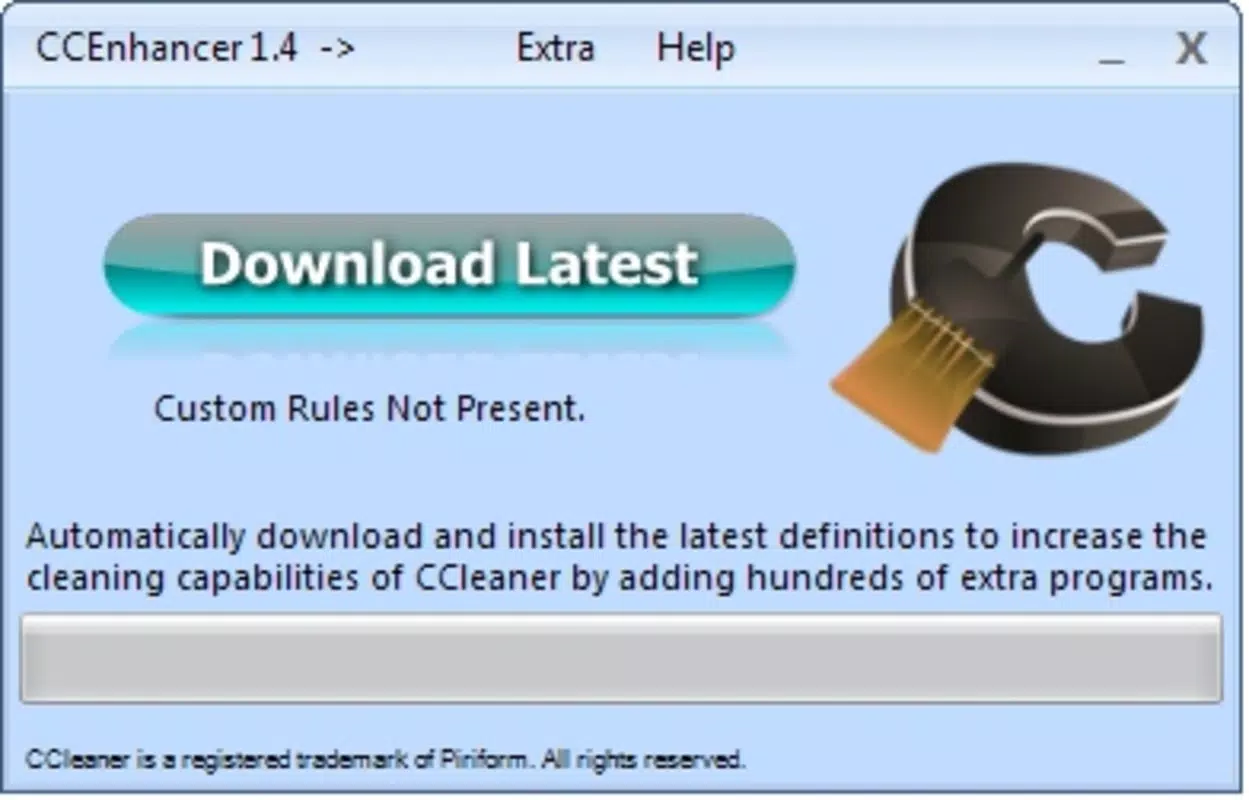
- User-Friendly Interface: The tool features a simple, intuitive layout that makes rule management and integration with CCleaner straightforward. Even users with limited technical knowledge can navigate the interface and apply custom cleaning configurations without difficulty.
- Regular Updates: The application is updated periodically to maintain compatibility with new versions of CCleaner. These updates often include newly developed rules based on user feedback and emerging software trends, ensuring continued relevance and effectiveness.
- Free to Use: CCEnhancer is available at no cost, making it accessible to a wide audience. This commitment to free access supports its role as an open enhancement tool for users who want to improve their system cleanup experience without financial investment.
- Space Recovery Boost: By expanding the scope of what can be cleaned, CCEnhancer helps users recover more disk space in each cleaning session. This is especially beneficial for systems with limited storage or those used for intensive tasks like gaming, video editing, or software development.
For example, a user running multiple development tools may find that standard CCleaner misses build artifacts and temporary project files. With CCEnhancer, these files can be detected and removed, freeing up significant storage. Similarly, users of niche or less common applications can benefit from rules tailored to those specific software environments.
Interface, UX & Performance
CCEnhancer features a clean and minimalistic interface that prioritizes usability. The layout is organized into logical sections, including rule management, integration settings, and update history. Navigation is linear and consistent, with clear labels and minimal visual clutter, reducing the learning curve for new users.
The tool operates efficiently without consuming significant system resources. Although the developer did not list formal performance metrics, the lightweight design—evident in its 3.4 MB file size—suggests minimal impact on CPU, memory, or disk usage during operation. The application launches quickly and responds to user input with low latency, contributing to a smooth user experience.
While the developer did not specify compatibility with older Windows versions, the application’s small footprint and straightforward design suggest broad compatibility across modern Windows systems. Stability appears to be well-maintained, with no reported issues related to crashes or data loss. Users can expect consistent performance across multiple cleaning sessions.
Platform Compatibility & Technical Requirements
CCEnhancer is designed for the Windows operating system. The current version is 1.0.0, with a file size of 3.4 MB. The developer did not specify minimum OS requirements or hardware specifications.
Although the application is not available on mobile platforms, it is intended for desktop use. Users should ensure their system meets general Windows compatibility standards for running third-party utilities. The lack of detailed technical requirements means users should exercise caution when installing on older or non-standard systems.
Pros and Cons
Pros
- Extends CCleaner’s cleaning capabilities with custom rules
- Free to download and use with no hidden costs
- Simple interface suitable for non-technical users
- Regular updates ensure compatibility and rule improvements
- Helps recover additional disk space beyond CCleaner’s default scope
Cons
- Not available for mobile or non-Windows platforms
- Specific system requirements were not listed
- Dependent on CCleaner for core functionality
- Developer background and support channels were not disclosed
- No built-in backup or undo feature for cleaned files
FAQ
Is CCEnhancer safe to use with CCleaner?
Yes, CCEnhancer is designed to work safely with CCleaner. It does not modify system files directly but adds detection rules that CCleaner uses during cleanup. Users are advised to review the files marked for deletion before confirming the cleaning process.
Can I use CCEnhancer on older versions of Windows?
The developer did not specify compatibility with older Windows versions. While the tool is lightweight and may function on older systems, users should verify compatibility based on their specific environment.
Does CCEnhancer require an internet connection?
CCEnhancer does not require a constant internet connection to function. However, updates may need online access to download new cleaning rules or version patches.
Is there a risk of deleting important files?
While the tool targets temporary and cache files, users should always review the list of files marked for deletion. The application does not include a built-in backup feature, so caution is advised when cleaning sensitive data.
How often should I update CCEnhancer?
It is recommended to update CCEnhancer regularly to ensure compatibility with the latest CCleaner version and to receive newly added cleaning rules. Updates are released based on user feedback and evolving software trends.
Final Thoughts
CCEnhancer offers a practical and cost-effective way to boost the cleaning power of CCleaner, making it a valuable tool for users who want to optimize their system performance and reclaim disk space. Its lightweight design, intuitive interface, and regular updates contribute to a reliable user experience. While it has limitations—such as platform exclusivity and lack of detailed system requirements—it delivers clear benefits for Windows users committed to maintaining a clean and efficient system.
For anyone using CCleaner regularly, CCEnhancer is a logical next step in system maintenance. It enhances functionality without complexity, aligning with the needs of both casual users and power users alike. The free model ensures accessibility, making it an attractive option in the system utilities category.
Download CCEnhancer now


